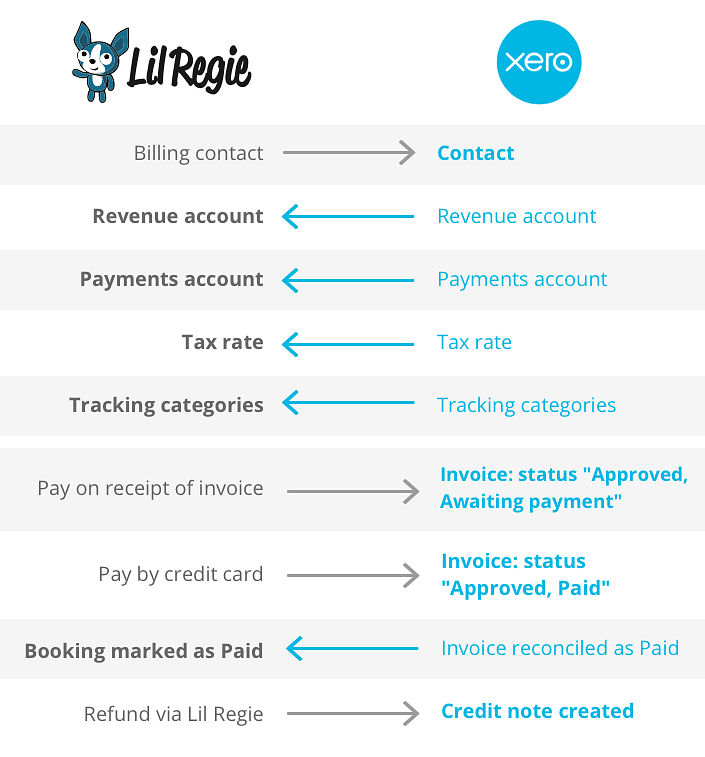
When you use Xero, all invoicing will be passed to Xero. For credit card transactions, an invoice will be created in Xero showing as PAID. For a ‘pay by invoice’ transaction, an invoice will be created in Xero showing as UNPAID. All of these invoices will be shown as APPROVED in Xero. You can also choose to have the UNPAID invoices sent out automatically from Xero, without you needing to log in and send them.
Managing your payments and invoicing
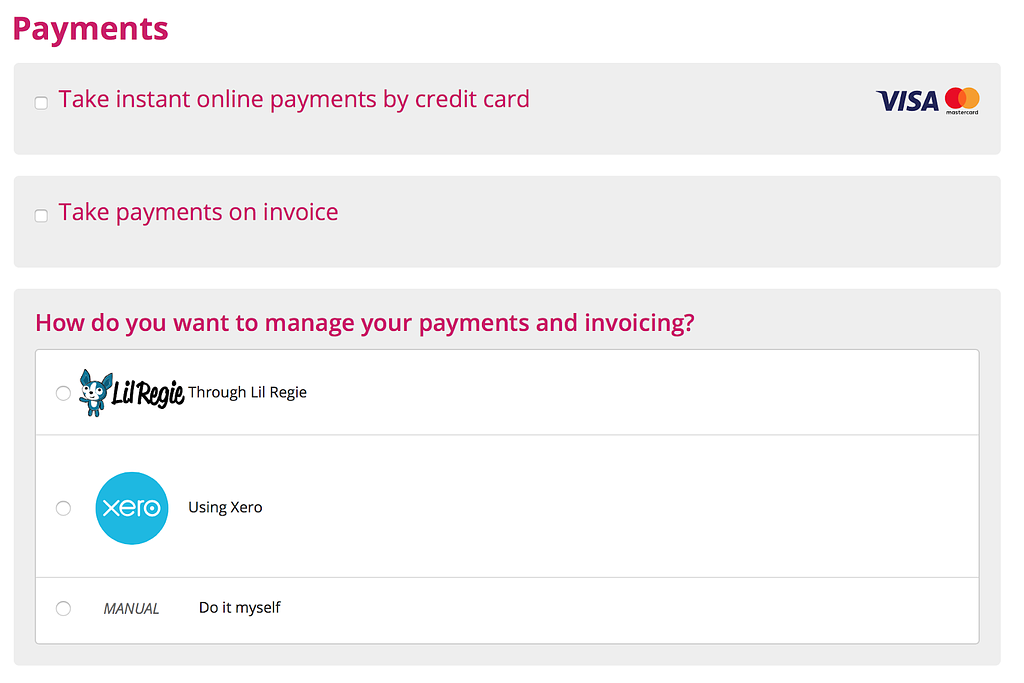
When you get to the Payments page, you'll see the 'How do you want to manage your payments and invoicing' section:
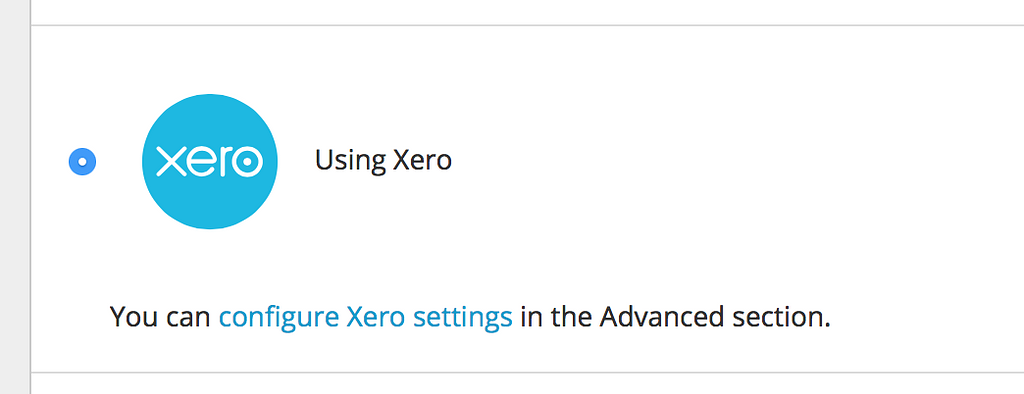
Choosing the ‘Using Xero’ option lets Lil Regie know you will be doing this. Xero is then configured in the ‘Advanced’ section of Lil Regie.
Setting Xero up
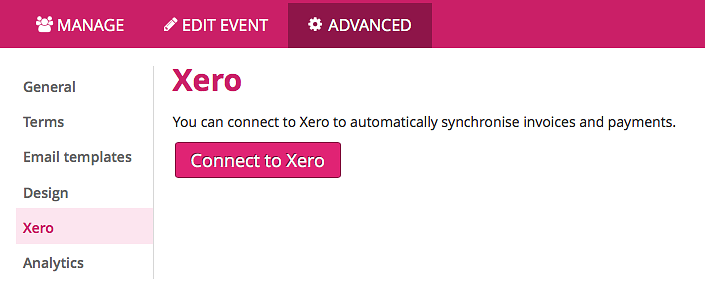
You can set up Lil Regie and Xero from within the 'Advanced' section:
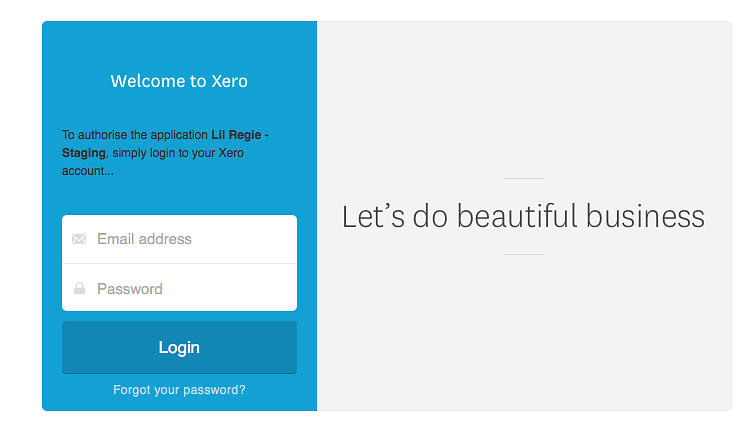
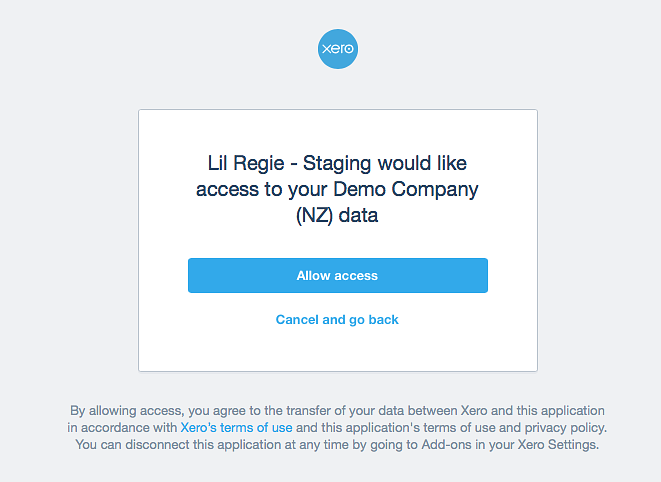
You’ll be taken to Xero to log in and give Lil Regie access.
Once access is granted, you’ll be brought back to Lil Regie with everything enabled.
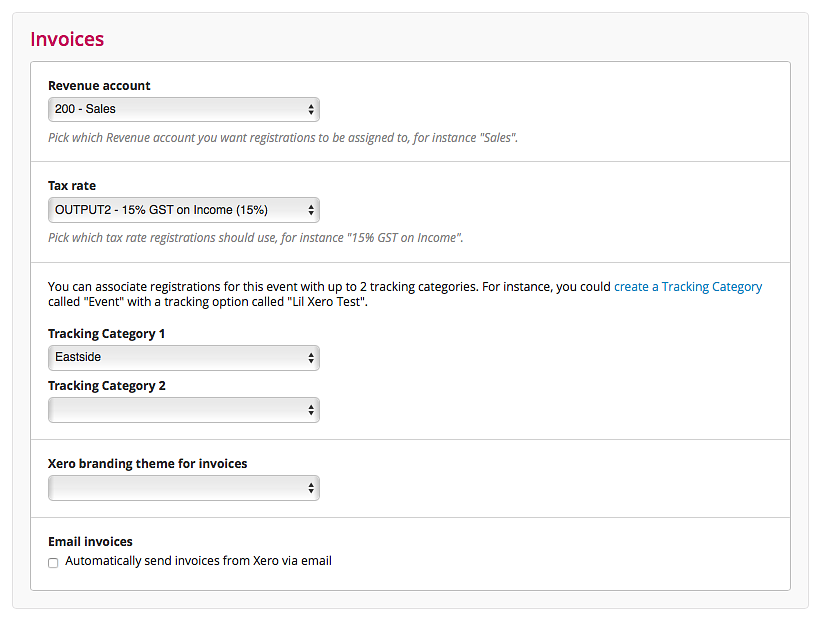
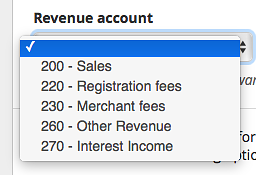
Lil Regie has now copied your Revenue accounts,
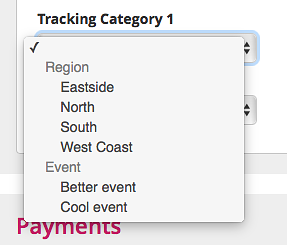
Tracking Categories,
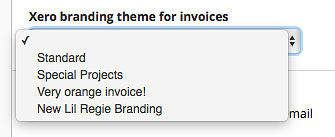
and Branding Themes from Xero.
You can have Xero automatically send out your Unpaid invoices without you needing to log into Xero and send them out yourself. To do this, just tick the ‘Automatically send invoices from Xero’ box.
Please note that while we send Xero the billing contact details for each invoice, Xero sometimes overwrites this with a previously saved contact for that organisation. If you think this may be an issue for you (eg there are many bookings from the same organisation) it may be best to not use this feature. We’re working to try and get this issue sorted!
Things to note
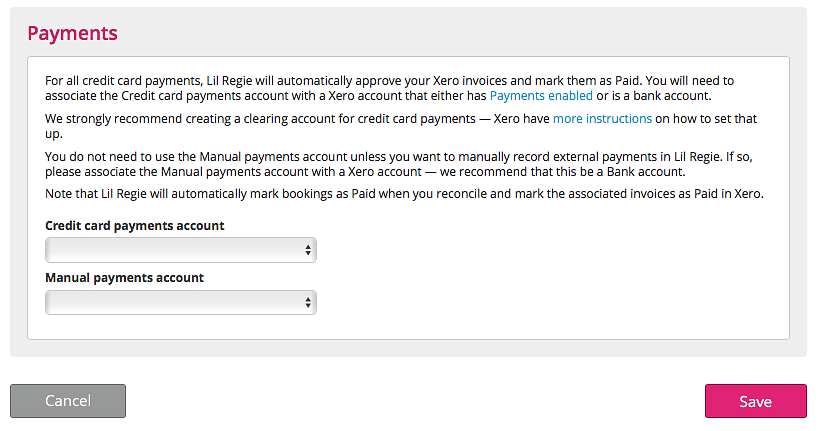
You will need to associate each payment method with a Xero account that has Payments enabled. Here’s more information on that.
You will also need to setup a clearing account for each payment method. These have been specifically designed in Xero to handle situations where you are receiving bulk payments from a payment processor (as with Lil Regie), but these also, as in our case, have the money held for you until the event has finished. Here’s more information on clearing accounts.
FAQ
How do I send invoices to Xero?
Once your event is running and you've received registrations, you'll then need to send them from Lil Regie through to Xero.
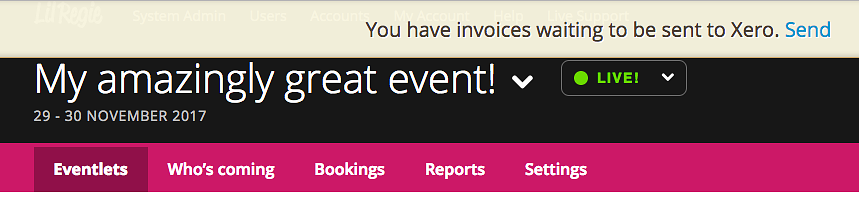
When you log into your event, or go to the 'Eventlets' tab, if there are invoices waiting to be sent you'll see the following prompt:
Click on the 'Send' link and your invoices will be sent to Xero. You'll then just need to log into Xero to access them.
How do I refresh my accounts and categories?
If you've changed or added to your Accounts or Tracking categories within Xero, you can refresh these options again from the Advanced > Xero section. From there you can click on the 'Refresh accounts and categories' button to sync those changes.
How do I disconnect from Xero?
You can do this by clicking the 'Disconnect' button.